
AdCue Documentation
AI Recommendations
Let AI suggest improvements for your ads
Learn how AdCue's AI suggests improvements for your ads and how to apply them with one click.
What Are AI Recommendations?
After AdCue audits your ad account, the AI analyzes your data and creates a list of actions that can save money and improve results. These are recommendations.
Think of it like a checkup. AdCue examines your ads, identifies issues, and explains what to do to make the account healthier.
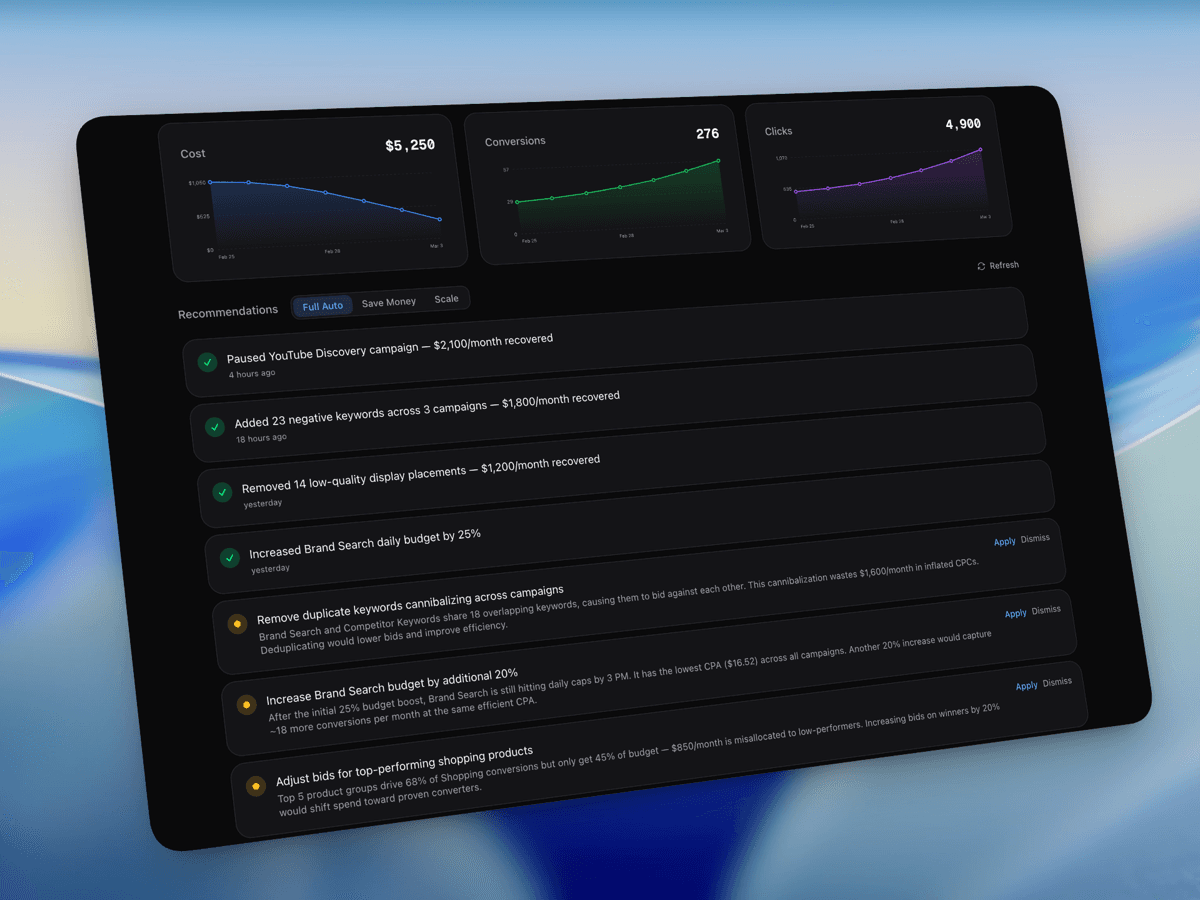
What Kinds of Suggestions Will I See?
- Pause campaigns that waste money.
- Adjust bids to lower costs.
- Add negative keywords to stop irrelevant clicks.
- Reallocate budget to winning campaigns.
- Improve ad copy to increase click rates.
Each recommendation explains exactly what to change and why, so you do not have to guess.
How to Use Recommendations
- 1
Read the recommendation
Each card has a title and explanation. Review what the AI wants to change and why.
- 2
Click "Apply" to make the change
If you agree, click Apply. AdCue makes the change in your connected ad account automatically.
- 3
Or click "Dismiss"
If the suggestion does not fit your business context, dismiss it and it will leave the active list.
Priority Levels
| Priority | Color | What it means |
|---|---|---|
| High | Red | Fix this first. It is costing money or seriously hurting performance. |
| Medium | Yellow | Fix it when you can to improve results. |
| Low | Blue | A smaller improvement that may help over time. |
Start with High-priority red items, then work down through Medium and Low items.
Where to Find Recommendations
- On the Dashboard, in the Optimization Feed.
- On the Monitor View, in the right column.
Every applied or dismissed recommendation is saved in Optimization History so you can review past decisions.